
Welcome to The Youtube Shop!
You’ll find all sorts of instant downloads to effortlessly transform your youtube channel.
These graphics and animations can be used with almost all editing software including iMovie, Final Cut Pro, and Adobe Premiere.
Feel free to send me an email if you have any questions, either before or after downloading your file!


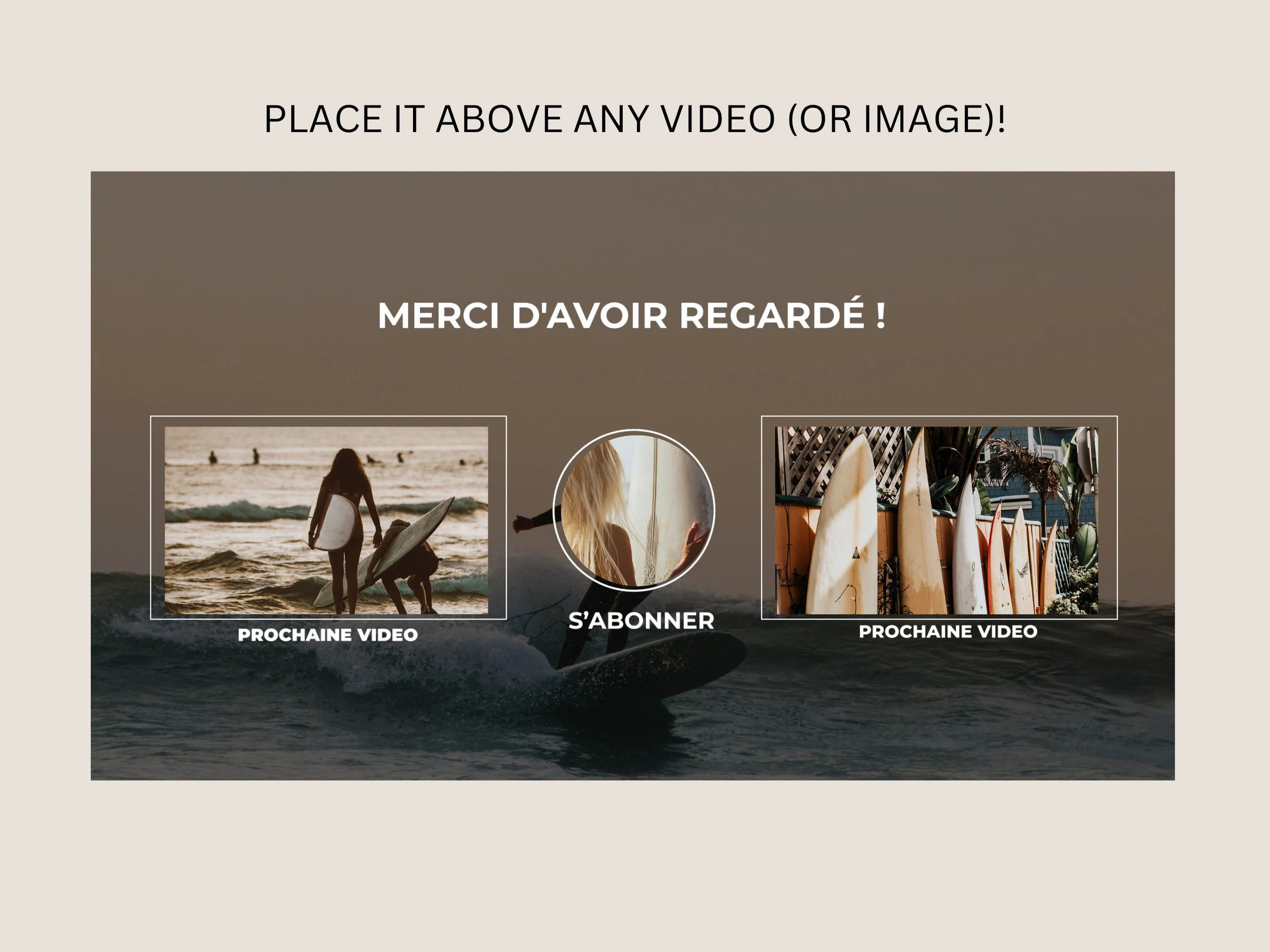

How to use the downloads:
STEP 1
After purchase, you’ll receive an email with a link to download your order.
STEP 2
Download and import the file in your editing software.
STEP 3
You may need to remove a green background or slightly edit the duration, size, etc… but the files are usually ready to use!
1964 sales
Reviews:
Review from Sarah ⭐⭐⭐⭐⭐
Absolutely blew my expectations out of the water! So so professional and super fast with every single message. <3 <3 <3 <3
Review from Zurisadai ⭐⭐⭐⭐⭐
I am truly enjoying the Youtube animated tags, These are the only ones that I have been able to find, They actually do work on IMOVIE! Please make more, like beauty animated tags please
Review from Dulan ⭐⭐⭐⭐⭐
These work perfectly in Adobe Premiere Pro, the perfect transitions for a more fluid and laid back video.
Review from Mckenzie ⭐⭐⭐⭐⭐
Loved adding these to my videos!
Review from Kayla⭐⭐⭐⭐⭐
Found a lot of great transitions and graphics for my videos, and the owner is wonderful to work with for custom graphics!!
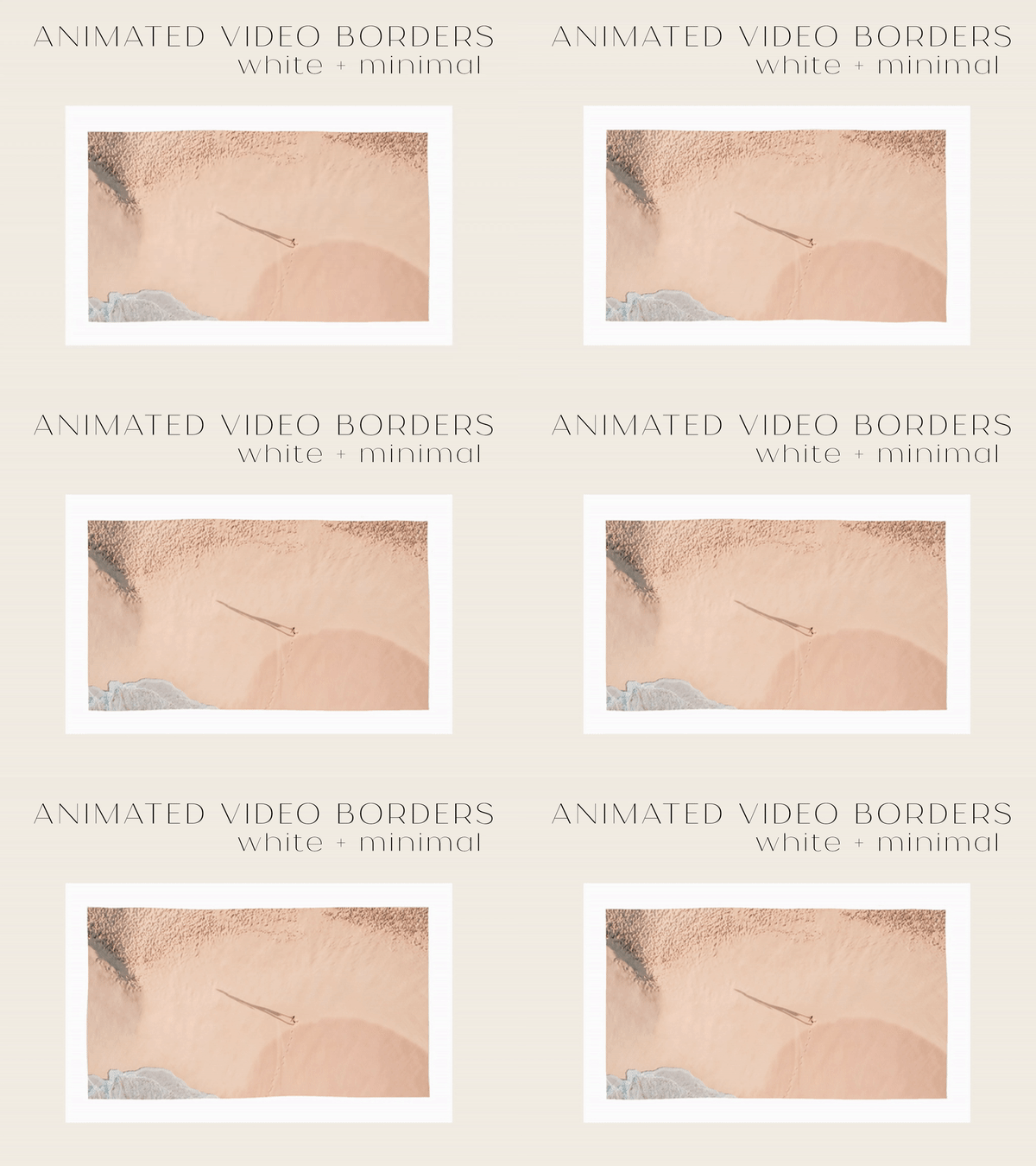
Transition Overlays for Editing | Video-Editing | Neutral Colors
6 Mp4. videos to overlay as transitions between clips.
Here's how to use them:
1: Download and unzip de folder, drag the transition mp4 on top of your videos in a video editing program, making sure the part where it's fully colored is directly above the cut between your 2 videos.
2: Remove the green background to reveal the transparency.
Each clip is a few seconds long.
Feel free to contact me if you have any questions!